
Official UK Passport Photo Background Requirements
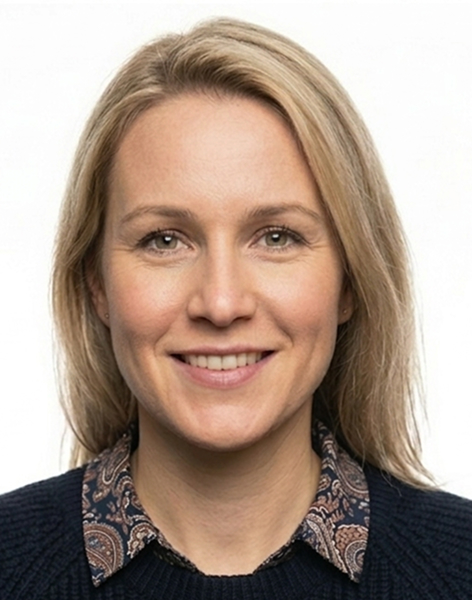
HMPO requires the background to be:
- Plain (no patterns, textures or objects)
- Light grey or cream coloured (not pure white)
- Uniform (same colour throughout)
- Shadow-free (no shadows from your head or body)
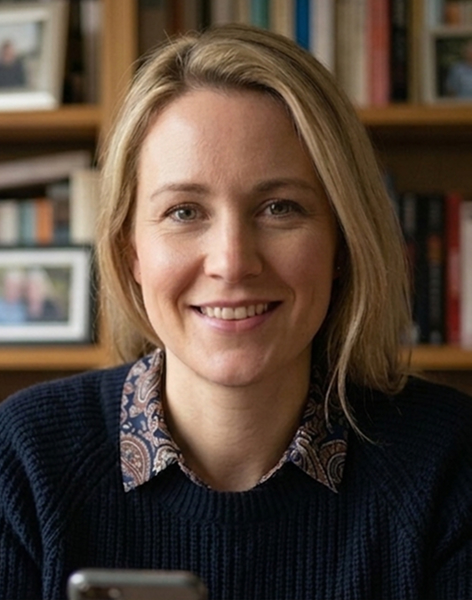
- Free of other objects (nothing visible behind you)
Why Not Pure White?
Pure white backgrounds can cause problems for automated systems:
- Edge detection struggles to separate white clothing from white backgrounds
- Light hair may blend into white backgrounds
- Overexposed areas lose detail needed for biometric analysis
Light grey provides better contrast while still meeting the 'light background' requirement.
Shadow Issues
Shadows are one of the most common rejection reasons. They typically occur:
- Behind your head (from standing too close to the wall)
- On one side of the background (from uneven lighting)
- Under your chin (from overhead lighting)
To avoid shadows:
- Stand at least 50cm from the background
- Use soft, diffuse lighting from the front
- Avoid direct flash or harsh overhead lights
Common Background Mistakes
Wrong colour:
- Using a pure white wall
- Using coloured or patterned wallpaper
- Standing in front of a window
Texture issues:
- Textured walls that create visible patterns
- Creased backdrop fabric
- Visible wall fixtures or marks
Object contamination:
- Furniture edges visible
- Light switches or sockets in frame
- Other people or reflections
Best Background Options at Home
For taking a passport photo at home:
1. Light grey wall — Ideal if you have one 2. Off-white or cream wall — Works well for most people 3. Backdrop paper or fabric — Ensure it's smooth and evenly lit 4. Digital background removal — Can replace any background with compliant colour
Digital background removal is increasingly popular as it eliminates shadow and colour issues entirely.
Photo Booth Background Issues
Photo booths often have white backgrounds that can cause rejection. The fixed lighting in booths can also create shadows that are difficult to avoid.
If using a booth, check the booth claims compliance with UK passport requirements, not just generic 'passport photos'.
Ready to create your passport photo?
Get a compliant passport photo in minutes. AI-verified. 100% acceptance guarantee or your money back.
Why Choose PassportApp?
Ready in 2 Minutes
AI processing delivers your compliant photo instantly — no booth queues.
100% Acceptance Guarantee
Full refund if your application is rejected due to the photo.
Compliance Verified
Every photo is checked against official requirements before download.
Frequently Asked Questions
Related Tools
Official Resources
Need help with your passport photo?
Use our free tools to check if your photo meets United Kingdom requirements, find photo booths near you, or set up renewal reminders.