
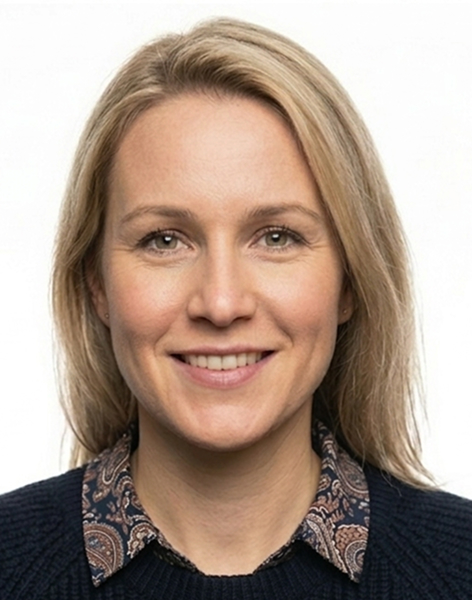
Mistake #1: Wearing Glasses
Since November 2016, glasses are banned in UK passport photos. Yet this remains one of the most common mistakes.
How to avoid it:
- Remove your glasses before taking the photo
- Even clear frames or fashion glasses are not allowed
- Only medical exemptions are accepted (with documentation)
Mistake #2: Using a White Background
Many people assume white is the safest background choice. In the UK, it's actually a problem.
How to avoid it:
- Use a light grey or cream background
- If your wall is white, consider using a digital background removal tool
- Check that the background appears uniform with no shadows
Mistake #3: Smiling
Natural instinct is to smile for photos, but passport photos require a neutral expression.
How to avoid it:
- Relax your face completely
- Keep your mouth closed
- Think of something neutral (not funny)
Mistake #4: Wrong Head Size
DIY photos often have the head too small (standing too far away) or too large (standing too close).
How to avoid it:
- Stand about arm's length from the camera
- Use a tool that validates head proportions
- Don't crop the photo yourself unless you can measure it
Mistake #5: Shadows Behind Head
Standing close to a wall creates shadows that automated systems detect.
How to avoid it:
- Stand at least 50cm from the background
- Use soft, diffuse lighting
- Check the photo carefully before submitting
Mistake #6: Using a Scanned Photo
Scanning a printed photo introduces blur, colour shifts, and compression artifacts.
How to avoid it:
- Always use the original digital file
- If you only have a print, take a new photo instead of scanning
- Transfer files directly from your camera or phone
Mistake #7: Sending Via WhatsApp
Messaging apps compress images, reducing quality below acceptable levels.
How to avoid it:
- Transfer the original file via email or cable
- Don't screenshot photos from messaging apps
- Check file size is at least 50KB
Mistake #8: Poor Lighting
Uneven lighting creates shadows on the face or background that cause rejection.
How to avoid it:
- Face a window for natural light
- Avoid direct flash
- Ensure both sides of your face are evenly lit
Ready to create your passport photo?
Get a compliant passport photo in minutes. AI-verified. 100% acceptance guarantee or your money back.
Why Choose PassportApp?
Ready in 2 Minutes
AI processing delivers your compliant photo instantly — no booth queues.
100% Acceptance Guarantee
Full refund if your application is rejected due to the photo.
Compliance Verified
Every photo is checked against official requirements before download.
Frequently Asked Questions
Related Tools
Official Resources
Need help with your passport photo?
Use our free tools to check if your photo meets United Kingdom requirements, find photo booths near you, or set up renewal reminders.