New Zealand Baby Passport Photo (Online Alternative)
Get a compliant New Zealand baby passport photo meeting all MBIE requirements. Light grey background (not white), another person takes the photo, age-specific guidance — verified before you submit.
- Light grey background (not white)
- Another person takes the photo (no selfies)
- Infants under 1: closed eyes acceptable
- Light grey sheet method explained
- NZ$18.99 — guaranteed acceptance
- Near-zero rejection risk
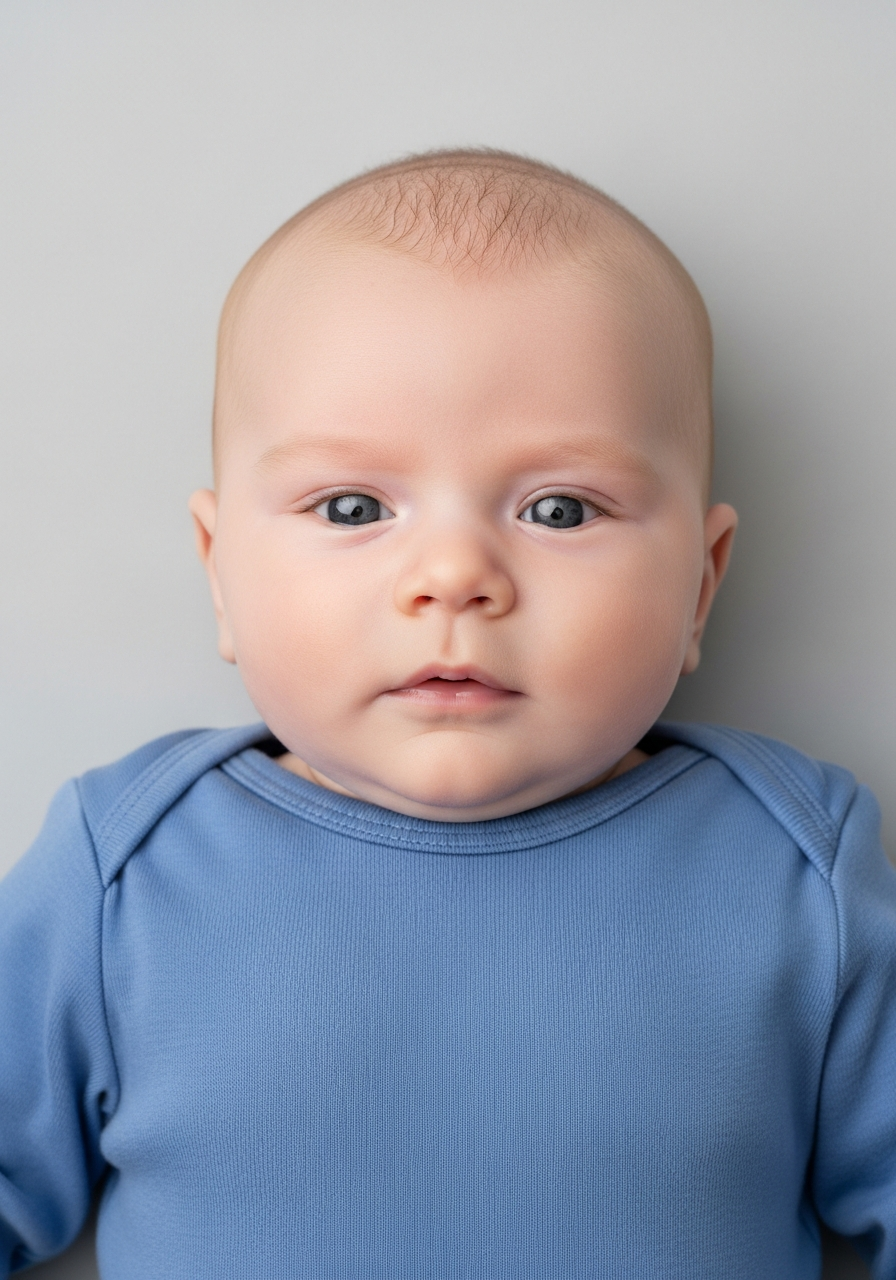
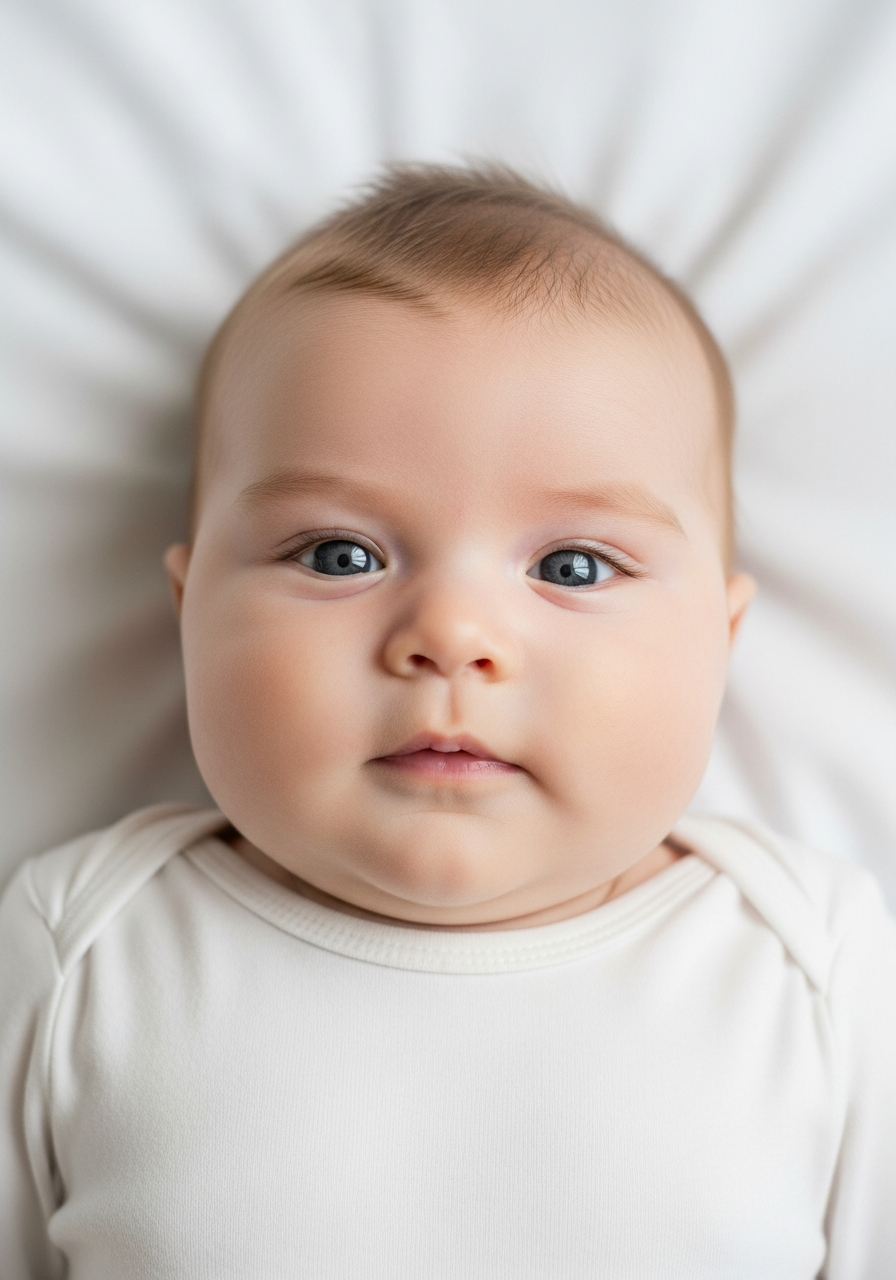
Drag to compare before vs after
Photo Specifications
Will my photo be accepted?
Size
900x1200 px
Lighting
No shadows
Focus
Sharp & clear
Background
Light grey or off-white
Head height
29–34 mm
Recency
Last 6 months
Online submission
Printable
How It Works
1. Upload Your Photo
Take a photo with your smartphone or webcam, or upload an existing image.
2. Image Processing
We remove the background, crop to exact specifications, and check against compliance.
3. Download & Print
Get your digital photo instantly, plus a print-ready PDF with cut guides.
New Zealand's two most distinctive passport photo requirements — light grey background (not white) and the no-selfies rule — apply to baby photos as well. However, the government understands that infants have limitations: babies under 1 year can have closed eyes and open mouths, children under 6 don't need to look directly at the camera. The critical requirement at all ages is that your baby appears completely alone in the photo.
NZ Baby Passport Photo Specifications
New Zealand baby passport photos follow the same MBIE specifications as adult photos, with age-specific flexibility:
| Specification | Under 1 year | 1–5 years | 6+ years |
|---|---|---|---|
| Eyes | May be closed | Not required to look at camera | Must be open, direct gaze |
| Background | Light grey (NOT white) | Light grey (NOT white) | Light grey (NOT white) |
| Taken by | Another person | Another person | Another person |
| Distance | ~1.5m from camera | ~1.5m from camera | ~1.5m from camera |
| Baby alone | Yes — no hands, objects | Yes | Yes |
| Size | 35mm × 45mm | 35mm × 45mm | 35mm × 45mm |
| Recency | Within 6 months | Within 6 months | Within 6 months |
The light grey background and no-selfies rule are the two most distinctive NZ requirements and apply at all ages. Use a light grey sheet — not white. See also: NZ adult passport photo requirements.
NZ-Specific Requirements That Apply to Baby Photos
Light grey background (not white):
New Zealand's most distinctive requirement applies to baby photos too. Use a light grey sheet or background — not white. This is the opposite of most other countries and the most common reason NZ baby passport photos are rejected.
No-selfies rule:
Another person must take the photo from approximately 1.5 metres away. You cannot take a selfie of your baby, and you cannot use a tripod with a timer while you hold the baby. Another person must take the photo — this is strict, even for infants.
Baby completely alone:
No parent hands, no toys, no pacifiers, no objects anywhere in the frame. Even a fingertip at the edge causes rejection.
Age-Specific Requirements
Infants under 1 year:
Eyes can be closed or partially open. Mouth can be slightly open (natural resting expression for sleeping infants). If the infant cannot sit or stand independently, they should be photographed lying down from above. No hands or arms of any supporting person should be visible in the shot. No objects — toys, pacifiers — should be visible.
Children 1–6 years:
Children under 6 do not have to be looking directly at the camera. However, light grey background and no-selfies rule still apply. Another person must take the photo from 1.5 metres away.
Children 6+ years:
Full adult requirements apply. Eyes open, looking at camera, neutral expression, head straight, light grey background, photo taken by another person.
The Light Grey Sheet Method
The white sheet method used in other countries works for New Zealand babies — with one critical modification: use a light grey sheet instead of white.
Step 1:
Obtain a plain light grey sheet with no patterns or designs. Iron it completely flat — wrinkles create shadows that cause rejection.
Step 2:
Lay the sheet on a flat surface (bed, couch, or floor). Position your baby on their back on the light grey sheet.
Step 3:
Have another person position a camera directly above the baby, looking straight down at their face. You are NOT in the frame.
Step 4:
Use natural window light or even indoor lighting. Avoid flash — it creates harsh shadows. Even, shadow-free light is key.
Step 5:
The baby is completely alone in the frame — no hands, no objects, just the baby and the light grey sheet.
Step 6:
Take multiple photos (5–10) and choose the best — eyes open if possible, face centred, lighting even.
Critical difference from other countries: light grey sheet, not white. This is New Zealand-specific and essential for compliance.
Where to Get NZ Baby Passport Photos
NZ Post Offices (NZ$15–20):
Nationwide, staff understand New Zealand's distinctive requirements including light grey background and no-selfies rule for babies. Can provide both printed and digital formats.
AA Centres (NZ$15–20):
Similar to NZ Post, nationwide availability, understanding of New Zealand requirements.
Professional newborn photographers (NZ$60–150+):
Specialists understand the light grey background requirement and infant photography. Highest expertise for newborns.
Online verification services (NZ$18.99):
Upload a self-taken baby photo for professional verification against MBIE specifications — including light grey background check. If compliant, receive verified digital photos. If not, get specific feedback to adjust.
Common NZ Baby Photo Rejection Reasons
Parent hands visible (35% of rejections):
Most common reason. Even a fingertip at the frame edge causes rejection. The light grey sheet method eliminates this — baby rests naturally without visible support.
Wrong background colour (25% of rejections):
White instead of light grey. Many parents use white sheets, unaware of New Zealand's distinctive requirement. Always specify 'light grey, not white'.
Shadows on background (18% of rejections):
Shadows from wrinkles in the sheet, harsh lighting, or baby casting shadows behind them. Iron the sheet flat, position lighting evenly.
Objects in frame (12% of rejections):
Pacifiers, toys, bottles, or blankets visible. Remove everything except the baby and plain light grey background.
Face not fully visible (10% of rejections):
Hair covering eyes, blanket covering head, or parent partially visible. Full face from chin to crown must be completely visible.
Other New Zealand Document Photos
How to Prepare Yourself
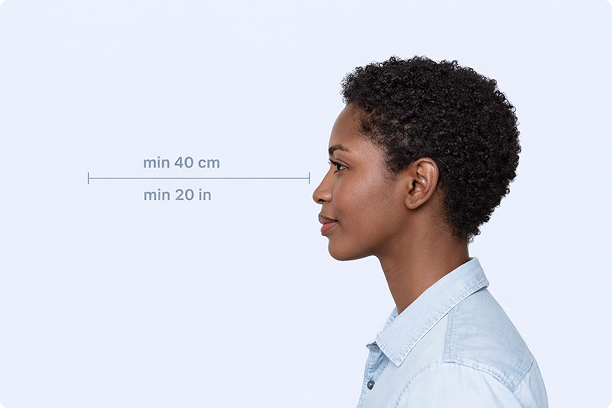
Correct Distance
Hold your camera at arm's length (40cm/20in minimum) for the best results
_1768770085753-BWkNoFUp.jpg)
Face The Camera
Look straight at the camera with a neutral expression and eyes open
Even Lighting
Use natural light or soft indoor lighting to avoid shadows on your face
What You Get
Digital Photo
High-resolution JPEG for online applications
Print-Ready PDF
4x6 inch PDF with multiple copies and cut guides
Acceptance Guarantee
Full refund if your photo is rejected
Why Choose PassportApp?
Ready in 30 Seconds
Fast AI processing delivers your photo instantly.
Money Back Guarantee
Full refund if your application is rejected due to the photo.
Compliance Verified
Each photo is checked against official requirements.